Images
Image fields can be used to add a banner, logo, or other types of images to your form.

To add an image to your form:
- In the Design Elements panel (left-hand side), click and drag the Add An Image field onto your form.
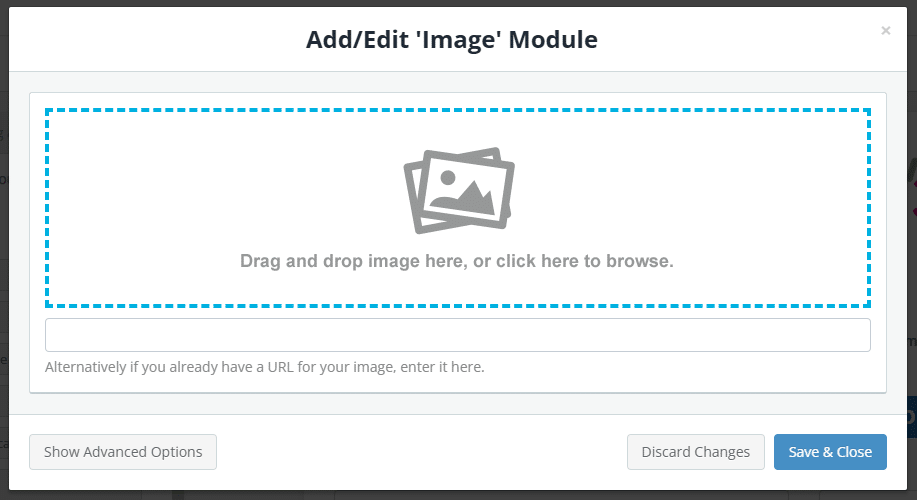
- Drag and drop your image file onto this field, or click to open the file browser.

- (Optional) Click Show Advanced Options to set the image alignment and width, add an image description (alt-text for screen readers), or apply conditional logic.
- Click Save & Close.